Turn speech into text
Transcribe spoken content from a supported public YouTube, Instagram or X video link.
 DamasLink Transcriber
Damas · Link Transcriber
Give a public video link a second life as readable text. Transcribe speech, translate it into one of 70 languages, and create a summary you can return to.
iPhone: iOS 18.6 or later. iPad: iPadOS 18.6 or later. Compatible Macs: macOS 15.6 or later. Check the App Store for current device compatibility. Internet, Premium and AI consent required.

Damas
Read a lecture, understand an interview, or keep the main points from a public video in your notes.
Transcribe spoken content from a supported public YouTube, Instagram or X video link.
Translate video speech into one of 70 languages, then edit and copy your notes.
Create a summary from a transcript. Background processing and notifications help you return when results are ready.
Copy the link to an eligible on-demand YouTube, Instagram or X video you have permission to process.
Open Damas on a supported device, provide the public video link and choose transcription, translation or summary. Review the AI consent before continuing.
Check the transcript, translation or summary against the source. Edit and copy your notes when useful.
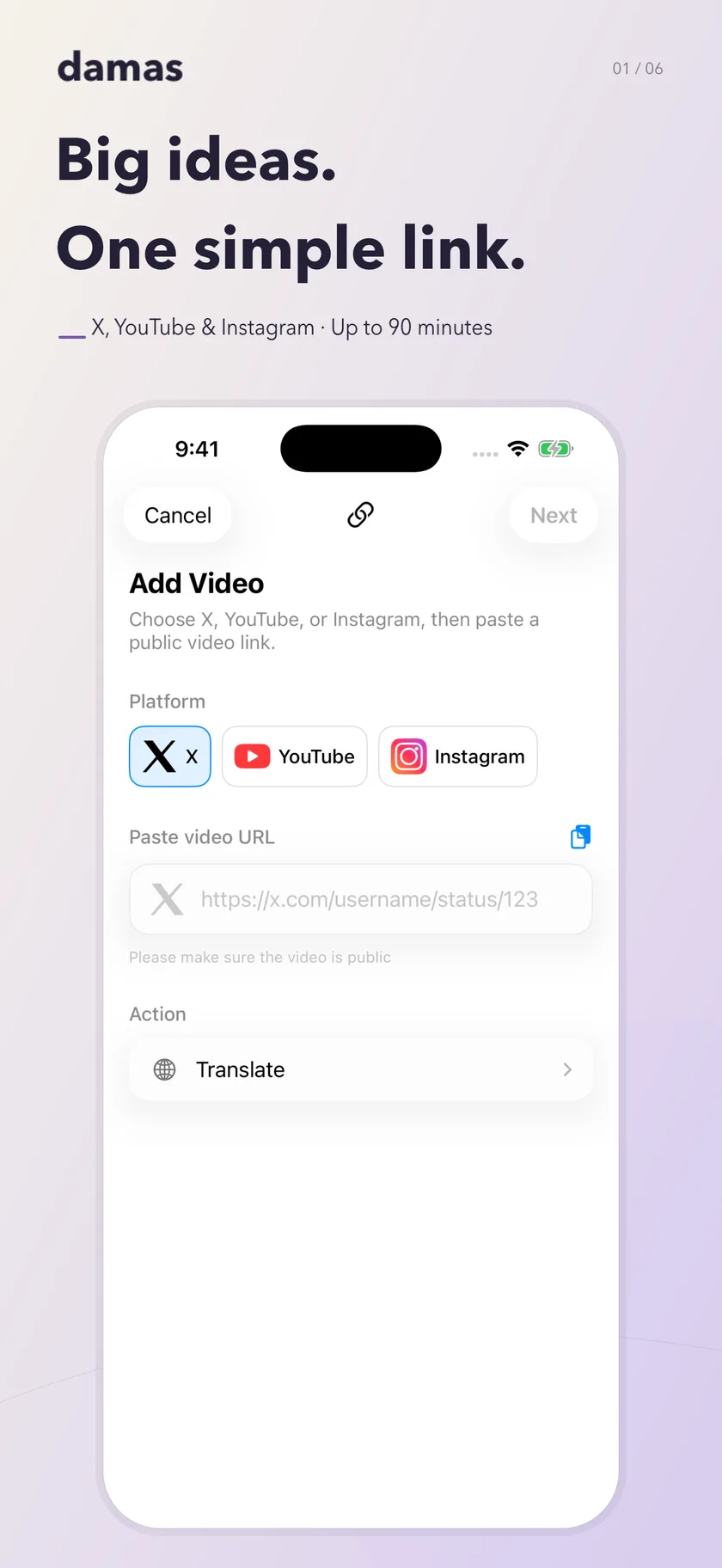
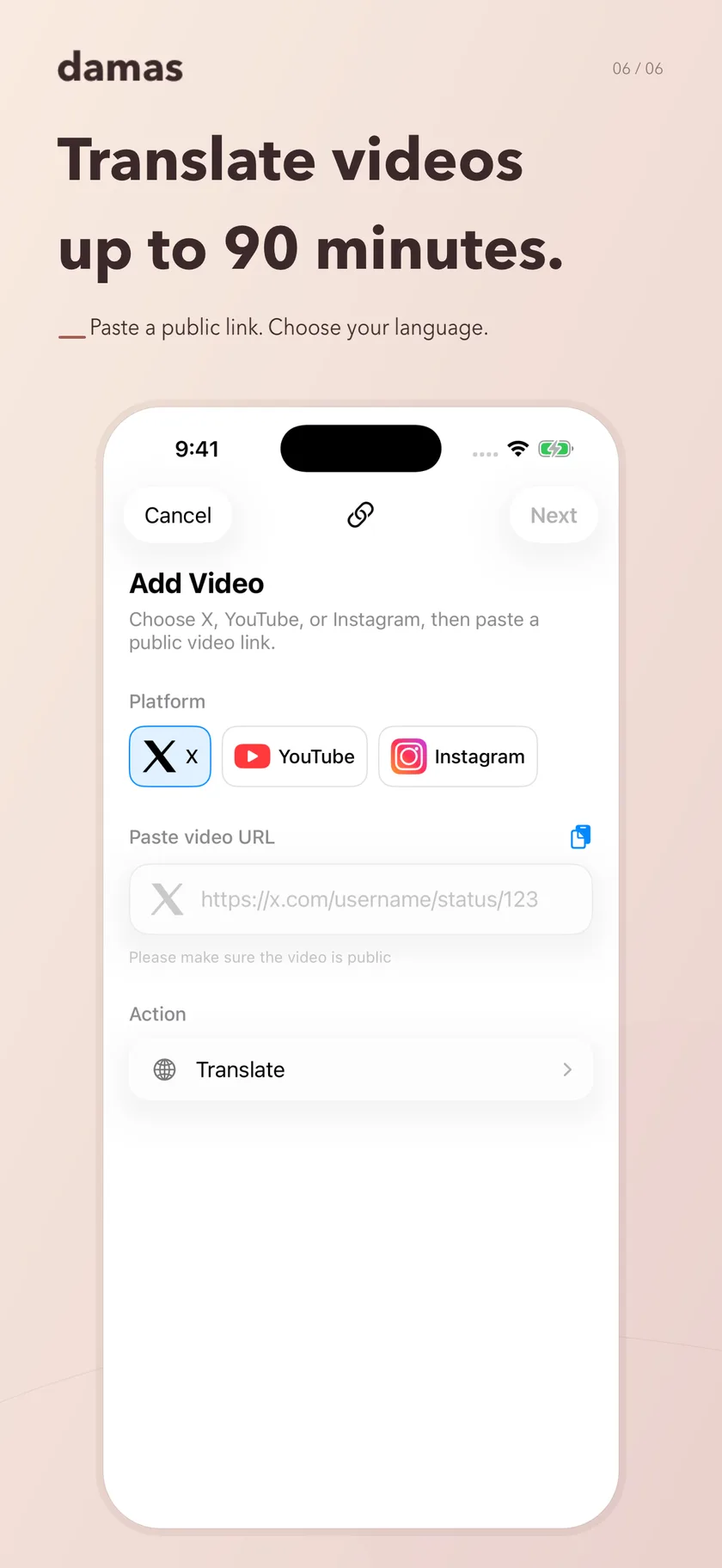
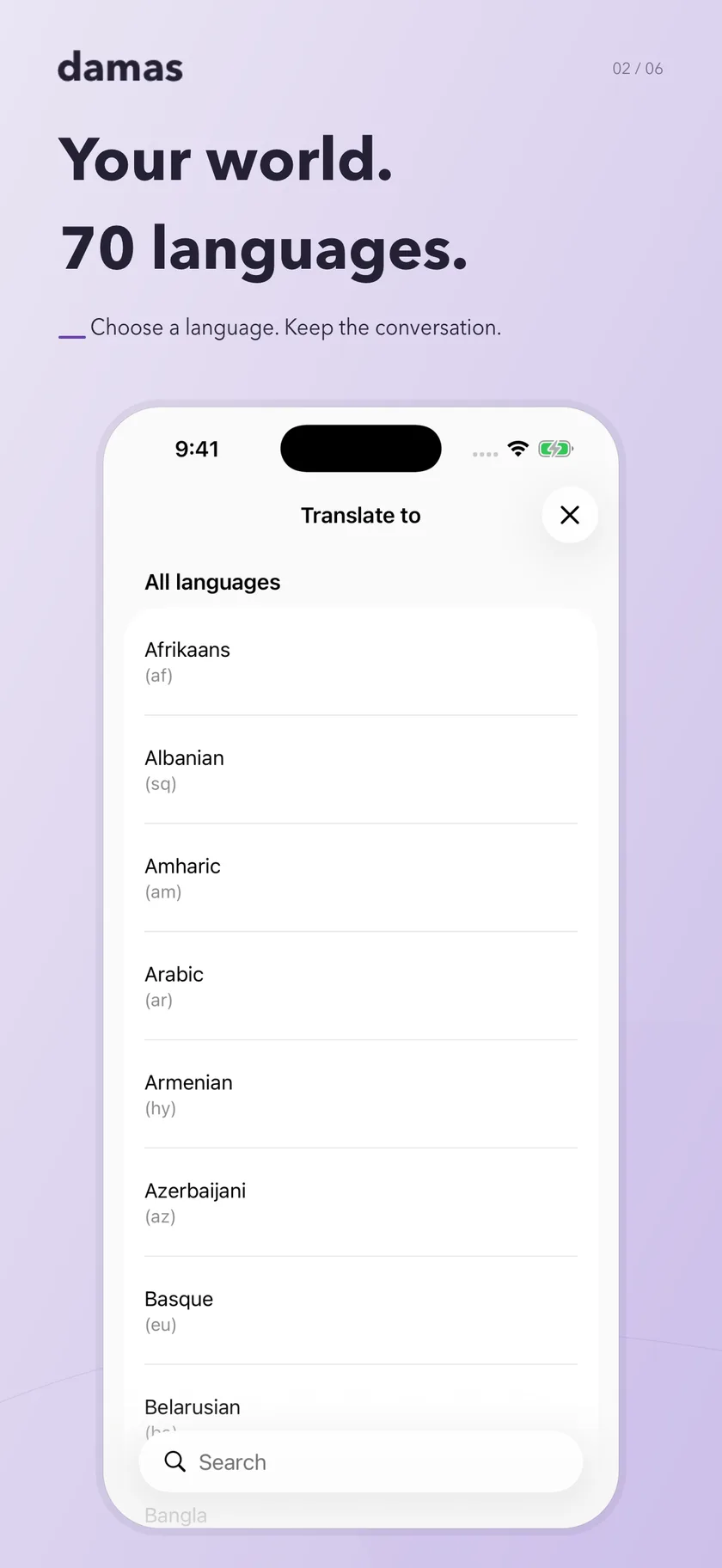
Real iPhone screenshots, shown with the English interface. Damas has 11 interface languages.
Damas
Watch the product preview for a closer look at video-link transcription and translation on iPhone.
Preview media may show an earlier interface. Current App Store information takes precedence.
Download on the App StoreGuides
Practical help for transcribing social media video links, translating speech and making useful summaries.
Keep a public Reel’s spoken words separate from visible captions, record disagreements and copy checked notes with the original link.
Read guide 02Build a compact handoff note with checked passages, clear limits and a manual correction trail after copying text from Damas.
Read guide 03Summarize a video transcript with Damas on iPhone, then check the main ideas, names and qualifications against the original video.
Read guide 04Turn a public YouTube, Instagram or X video link into text with Damas on iPhone. Check supported links, requirements and the resulting transcript.
Read guide 05Compare checked speech with translated text, locate the stage of an error and preserve conditions, quantities and uncertainty before copying notes.
Read guide 06Translate a public YouTube video's speech into text with Damas on iPhone. Choose from 70 languages and check the translated meaning against the source.
Read guide 07Build a tutorial checklist with prerequisites, conditional steps and completion checks, using a reviewed Damas transcript.
Read guide 08Check interview quotations against the recording, preserve context and separate exact words from paraphrases using an editable Damas transcript.
Read guide 09Build a bilingual glossary from a Damas transcript and translation, preserving source context, distinct meanings and unresolved matches.
Read guide 010To turn a webinar transcript into action items, obtain and check the transcript in Damas, then separate explicit commitments from recommendations and your own proposed follow-up.
Read guide 011Match webinar questions to checked answer passages, preserve partial answers and distinguish unanswered questions from inaudible responses.
Read guide 012Summarize a public X clip with Damas, then separate checked speech, post commentary and missing context in a source-linked note.
Read guide 013Separate a missing YouTube transcript from an inaccessible source or unclear speech, then decide whether to try Damas transcription or stop.
Read guideInternet access, Premium and consent for AI processing are required. Only submit content you have permission to process. Review the privacy policy before using the service.
Damas supports eligible public, on-demand YouTube, Instagram and X video links up to 90 minutes. Private, restricted and live content is not supported.
Damas can translate supported video speech into one of 70 languages. The app interface is available in 11 languages; these are separate language lists.
No. Video processing requires internet access, Premium and consent for AI processing. Processing times and results vary.
You can edit and copy your notes. Review generated transcripts, translations and summaries before relying on or sharing them.
Know what a link can do.
Damas supports public, on-demand YouTube, Instagram and X video links up to 90 minutes. Private, restricted and live content is not supported. Availability and processing time vary with the source, audio and connection.