To summarize the open questions in a video lecture, create a Damas summary focused on the lecturer's unresolved questions, then check each question, possible answer and proposed test against the original recording. Keep a tentative explanation distinct from an established result, and leave the question open if the lecture does not resolve it.
Damas accepts supported public, on-demand YouTube, Instagram and X video links up to 90 minutes. Use material you have permission to process. Private, restricted and live videos are unsupported, and public links can also be inaccessible. Damas is available on compatible iPhone, iPad and Mac devices.
Create a focused summary
- Keep the lecture link and title. Connect to the internet, sign in with Apple, provide the link and review AI processing consent. Processing uses media minutes and Insight credits; check balances, usage history and the cost before confirming. Current plans and optional top-ups appear in the app.
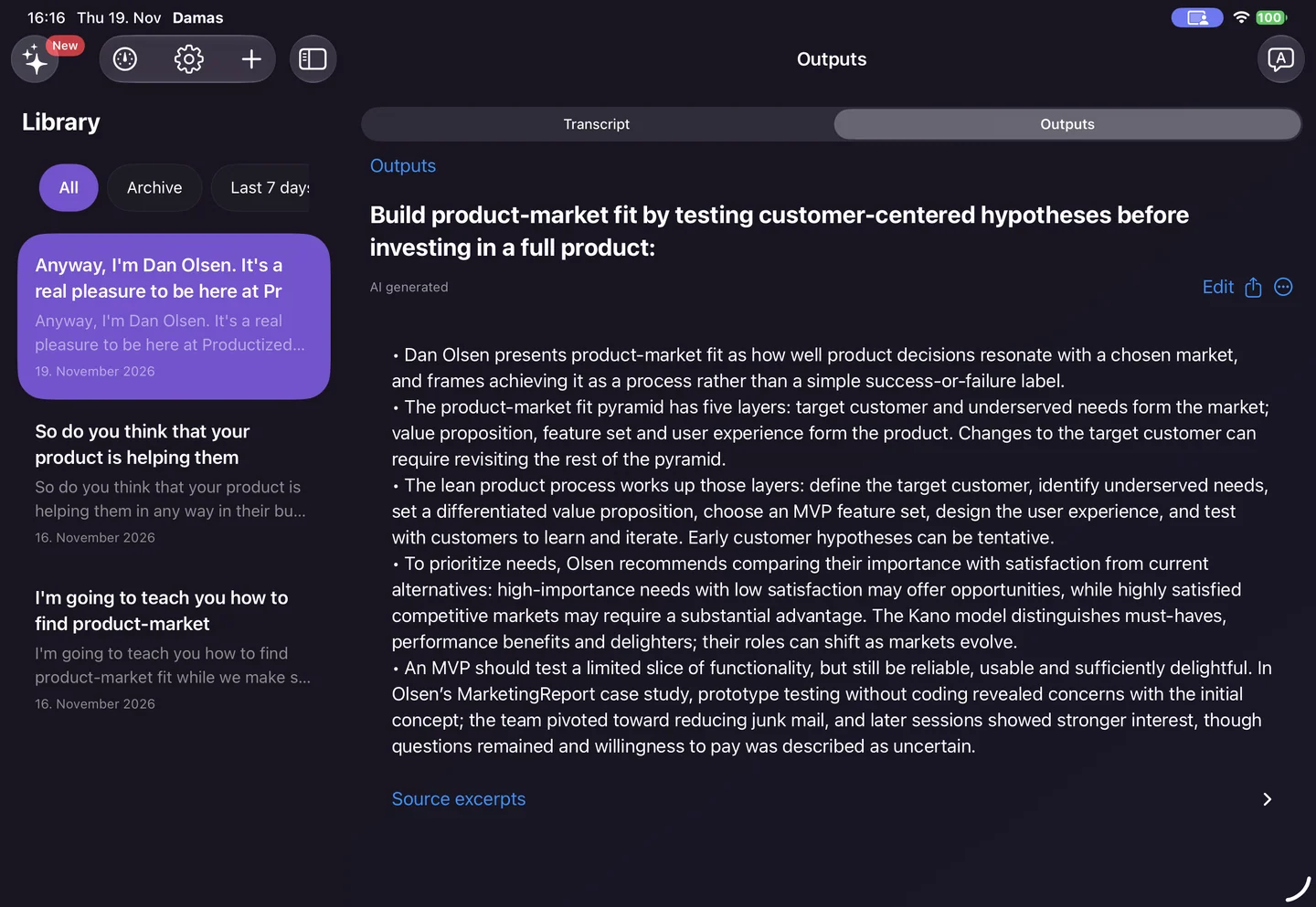
- Create an original-language transcript. Open the completed, nonempty transcript from Library and select the wand-and-stars Insight Studio control. Choose a short Standard summary and the output language. Supply context such as: “Focus on the questions the lecturer leaves open, possible explanations and any tests they propose.”
- Review the displayed Insight cost and generate the summary. The transcript remains available separately from the saved result in Outputs. Processing can continue when you leave the app, with a completion notification when enabled.
- Read the summary and any source excerpt, then replay the surrounding lecture. Check negatives, conditions and uncertainty; inspect any diagrams yourself. If the summary misses a qualification, create another output with more specific topic or context guidance and review it again.
The general summary guide explains the overview. A fluent overview can make a possibility sound settled, so use the transcript and source to check its wording.
Keep the question and its status together
In your own note, give each open question four fields: the question as the lecturer frames it; a possible explanation, if one is offered; a proposed way to investigate, if stated; and what the recording actually resolves. Attach a checked passage to each field. A proposed test is a plan for finding out, not a result. A possibility is not a conclusion just because the lecturer describes it in detail.
Check the whole discussion for a later answer or qualification before calling a question unresolved. If the recording ends before a result is reported, say “not resolved in this recording”; that does not establish that nobody has answered it elsewhere. If the lecturer poses a rhetorical question and immediately answers it, record the answer rather than counting it as open. This record is your own review method, not an automatic Damas verification feature.
Fictional example: a workshop attendance pattern
Imagine a lecturer reports lower attendance at a second workshop, wonders whether the time of day mattered, and proposes comparing future sessions at different times. No comparison result is reported in the recording. This is an invented example, not a quotation or an app test.
- Question: did the time of day contribute to the lower attendance?
- Possible explanation: the lecturer raises time of day as a possibility; the recording does not establish it as the cause.
- Proposed investigation: compare future sessions at different times. A proposal alone supplies no result.
- Status: unresolved in this recording. Check whether the lecturer mentions other relevant differences before copying the note.
A useful summary says the lecturer identifies a question and proposes a comparison; it does not say the comparison occurred or that changing the time will increase attendance. For your source, use only its actual statements and preserve uncertainty. Do not invent facts, quotations, owners or deadlines.
Decide what to inspect next
Keep the original link, checked passages and unresolved questions with your summary. If a proposed test matters to your decision, look for its reported results in an accessible primary source and label that separate evidence. If the audio is unclear, leave the passage pending. Use quotation marks only for exact words checked in the recording; a faithful account does not independently prove a speaker's claims.
For questions asked by an audience and the answers actually given, use the webinar Q&A guide. For how stated reasons support a conclusion, see claims and reasons. Processing time and accuracy vary. Damas does not download media, accept video uploads, dub speech, embed subtitles or process offline. Share notes only within your reuse rights.
Damas Technologies LLC