
Create flashcards from the lesson’s transcript in Damas. Then hide the answers, write the steps from memory, and use the cards and the original video to check what comes next and why. This is useful when you recognise each step on its own but lose your place when you try the whole process.
Make flashcards in Insight Studio
- Paste an eligible public, on-demand YouTube, Instagram or X video link into Damas and transcribe the speech. The video can be up to 90 minutes long. Use a video you have permission to process, connect to the internet, sign in with Apple, and review the AI consent and media cost.
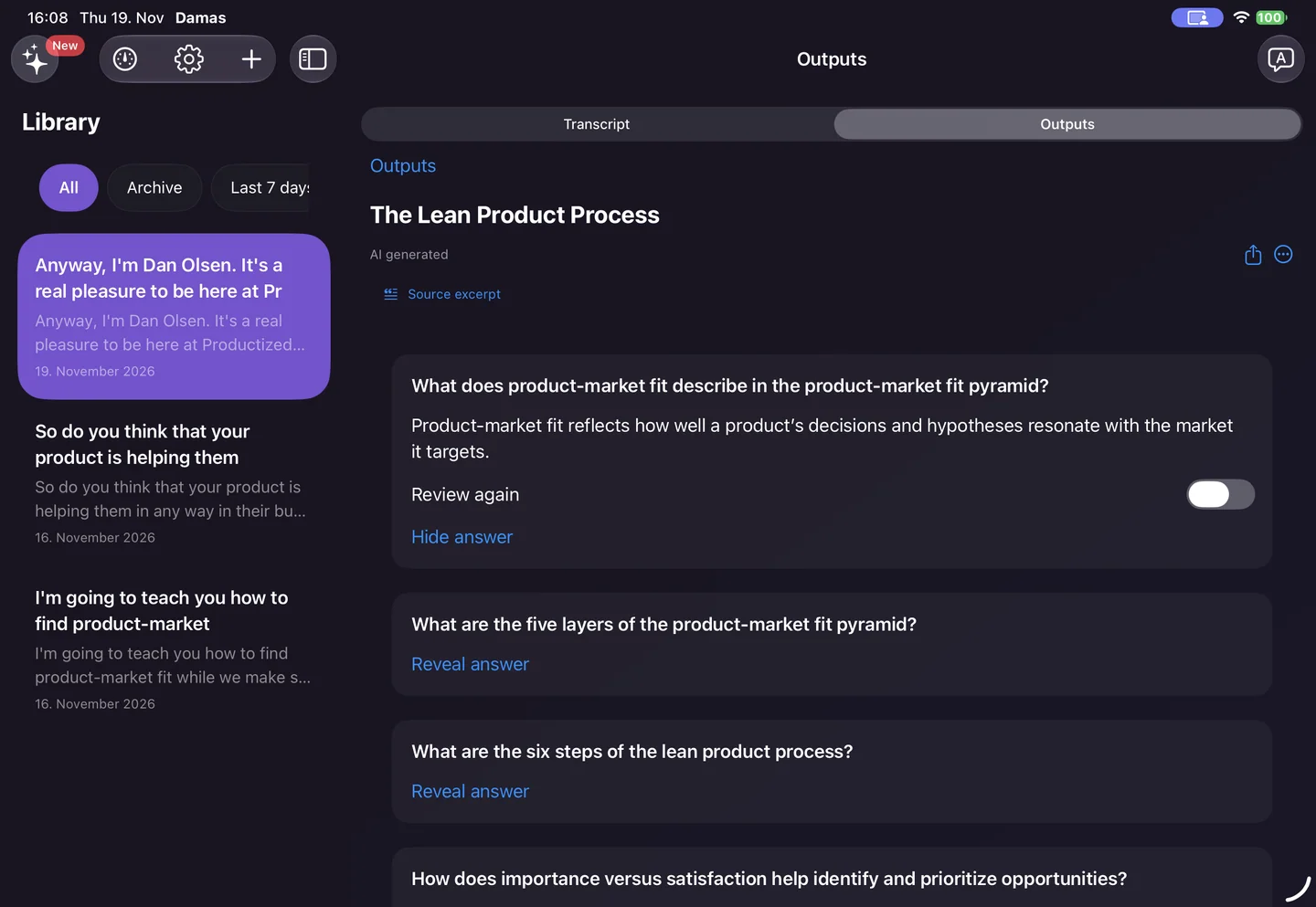
- Open the completed transcript in your Library. In Insight Studio, choose Flashcards under Study. Choose an output language and, if useful, add a focus such as “How the instructor checks the recording before the full take.”
- Check the displayed Insight cost and tap Generate. Find the saved cards in Outputs. The original Transcript is still available. Try answering a card before you tap Reveal answer.
Practise the transitions between steps
Pick one short section. Use the saved cards as a starting point and write a few prompts in your own notes. Ask “After this step, what happens next, and what has to be true before I move on?” Then cover your notes and reconstruct the full sequence. Compare your answer with the transcript and replay the demonstration. Use a Source excerpt when available to find the passage. If the instructor says two steps can happen in either order, accept both. If the sequence is unclear, leave that transition open.
Example from a fictional audio lesson
Imagine the instructor makes a short test recording and listens to it through headphones. If it sounds distorted, they adjust the input and make a new test. They start the full take once a test sounds clean.
- After the test recording, what comes next? Listen through headphones.
- If it sounds distorted, what happens before the full take? Adjust the input and record another test.
- When can you start the full take? After a clean test.
Try saying the whole sequence before checking any answer. Keep going back to the step you skip. Once you can recall it, use a tutorial checklist to follow the process as you work. For the first step in Damas, see how to transcribe a video link.
Damas Technologies LLC