
Turn a supported public YouTube video into an editable mind map in Damas. Transcribe the video first, generate a Mind map in Insight Studio, then alternate between the visual map and the outline to check how the ideas fit together.
Create the mind map in Insight Studio
- Copy the YouTube link. Choose a public, on-demand video up to 90 minutes that you’re authorized to process. Use an internet connection, sign in with Apple, and review the AI processing consent.
- Paste the link into Damas and transcribe the speech. Once you have a completed transcript with text, open it from your library and open Insight Studio.
- Choose Mind map and your output language. If you have a goal, give the AI some context, such as “Map the main concepts for someone learning this topic for the first time.” Review the displayed Insight cost and choose Generate.
- Open the generated result in Outputs. In Map, find the central idea and scan its main branches. Switch to Outline to read the nested items in order. The original Transcript remains available.
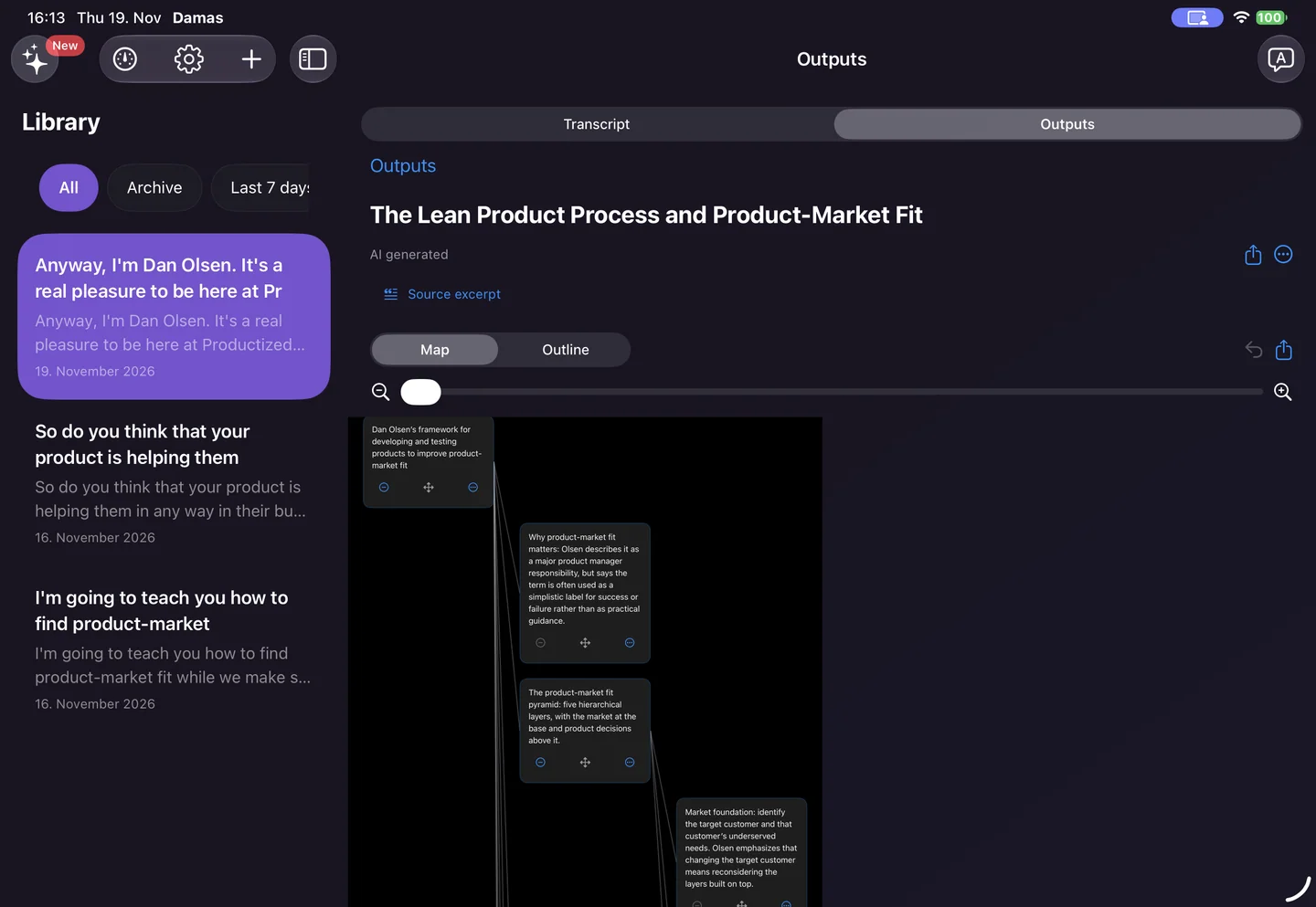
Diagram view from the same iPad staging example. The map extends beyond the visible area.
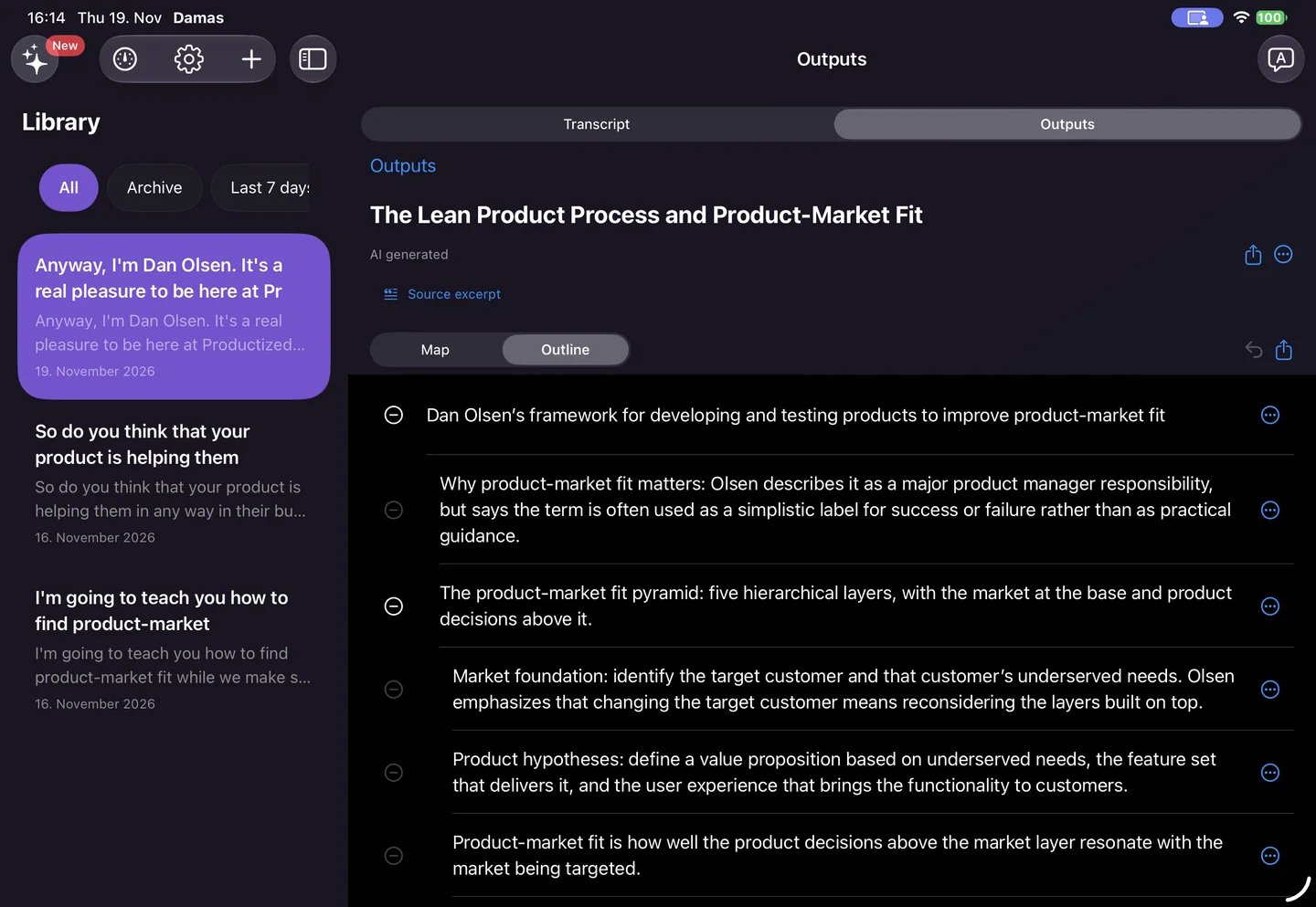
Example generated in Damas staging on iPad. The capture shows part of the outline.
Check the structure with a worked example
Imagine a YouTube lesson about making sourdough that explains feeding the starter, mixing the dough and judging fermentation. In Map, check that the lesson is the root topic and that the three subjects are separate main branches. In Outline, look for examples or cues under the subject they explain. If the lesson treats bubbles as one sign of fermentation, keep that detail under fermentation and preserve the speaker’s qualification.
Use Source excerpt to find relevant transcript text and replay the video when a label seems too broad. Edit a branch that merges separate concepts or adds a detail the speaker never gave. If the explanation depends on something shown on screen, check that part of the video yourself.
Private, restricted and live videos are unsupported. Some public links may also be inaccessible, and transcription quality varies with the source.
Start with the video link transcription guide.
Damas Technologies LLC